

27·
12 days agoDefinitely nothing bad could happen from a deranged narcissist having a personal army with the budget more than the Marines, I mean “Nothing bad can happen. It can only good happen” right?
Definitely nothing bad could happen from a deranged narcissist having a personal army with the budget more than the Marines, I mean “Nothing bad can happen. It can only good happen” right?
TRANSLATED AND WHAT I SEE -> When my body is just bones, from the remains of my stomach will fly the butterflies that were born the first time I saw you. Nice, but a bit confused after 36 seconds.
I’m in the exact same boat looking for a replacement for my macbook pro M1 that had a screen failure. Was looking at the MB air with a 15" screen and the best performance possible for photo/illustrative design purposes. Not happy with the screen on the MBA but portability is also a thing I miss.
I may be wrong but didn’t Apple introduced a specific Liquid Glass section under System Settings > Appearance, allowing users to switch from the default “Clear” mode to a “Tinted” mode.
Another way is within the Accessibility pane. By navigating to System Settings > Accessibility > Display and enabling Reduce Transparency.
Also I hear that the app OnyX, the version designed for macOS Tahoe, includes a dedicated toggle to disable Liquid Glass elements that may persist even after reducing transparency.
Personally I don’t expect that apple will stoically force this on us without toggles to tweak it in the future, due to user pushback on liquid glass, I’d expect there to be workarounds in Tahoe and future os rollouts.
“In order to get elected BarackObama will start a war with Iran” - Trump, Nov 29, 2011
“BarackObama will attack Iran to get re-elected.” - Trump, Jan 17, 2012
“Now that Obama’s poll numbers are in tailspin - watch for him to launch a strike on Libya or Iran. He is desperate.” - Trump, Oct 9, 2012
“I predict that President Obama will at some point start a war with Iran in order to save face!” - Trump, Sept 16, 2013
So it seems that Elon Musk will be awarded the contract, xAI has agreed to allow Grok’s use for “all lawful purposes,” addressing previous concerns regarding restrictions imposed by other AI providers.
So the AI that created nudes from photos of children will now be trained as Killbots, what could possibly go wrong.
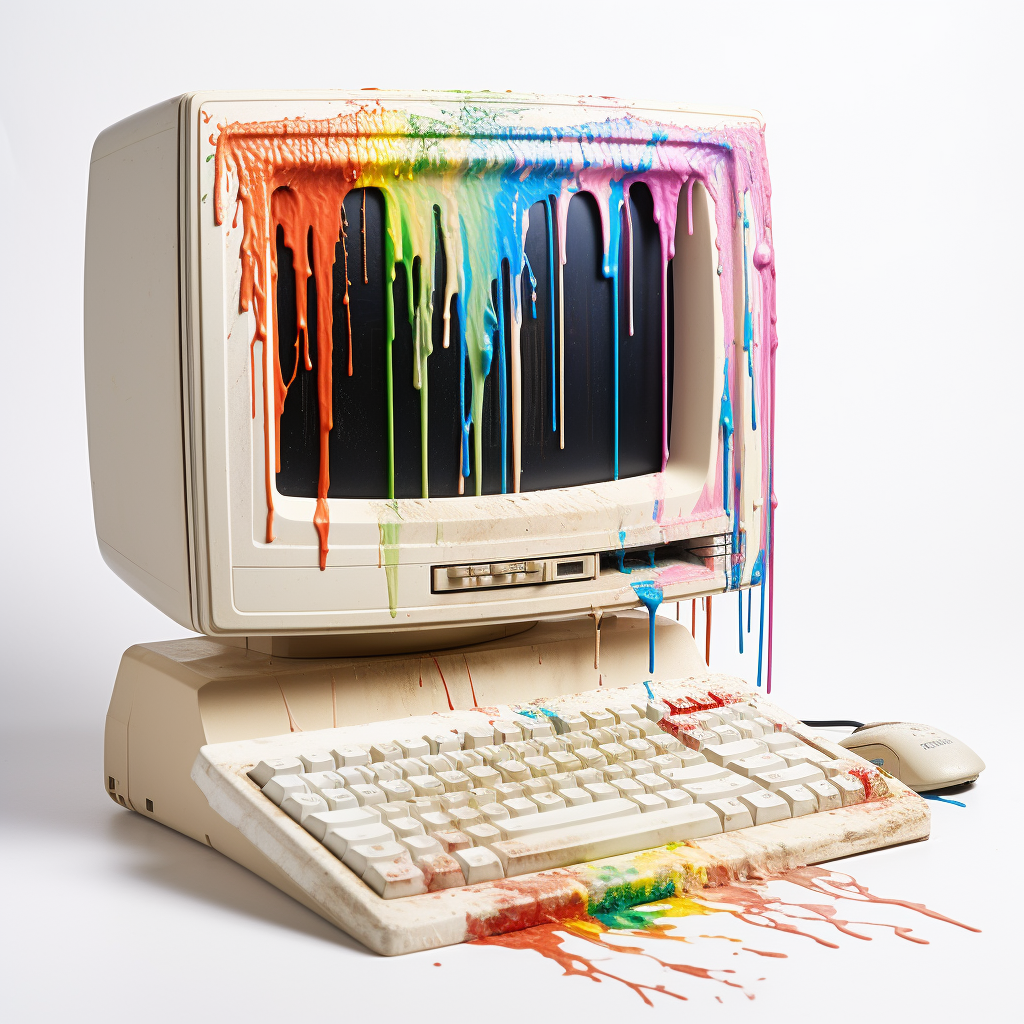
Pretty sure this is the wrong community for this.





Here’s a list of all the commercially available US made routers below
<null>
Good hunting !