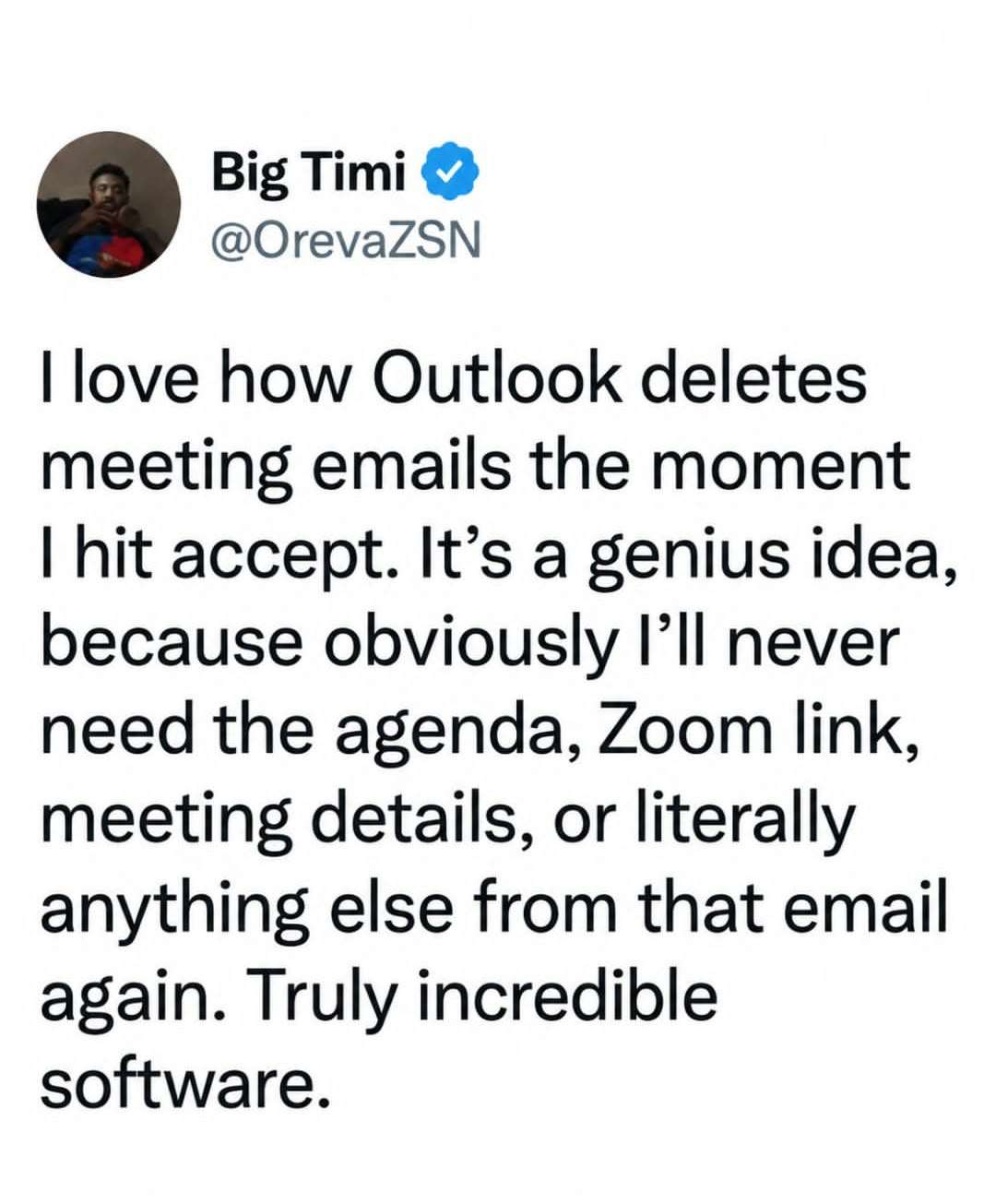
Hot tip: you can find all actioned meeting invite emails in your deleted items folder for 30 days.
They also end up, you know, on your calendar?
Why is this even a post? Outlook ain’t new, been this way for a long time now. I’m no Microsoft apologist, but being this helpless with something so common is just embarrassing.
When you respond to a meeting, there is a very magical thing that happens. Outlook sends the organizer–wait for it—AN EMAIL. Go look in your sent items if you need to see it.
Sheesh.
Tbf I have been caught by this before. Sometimes the PM will book a meeting weeks in advance and then you RSVP to it right away and you don’t want to have to click through 4 weeks of calendar just to track it down
Just view it by month?
Number one reason I never accept meeting invites (I just decline if I can’t go), totally insane it works that way.
Man, if only Outlook put the entirety of the meeting invite into the calendar entry it made for the meeting… Can you imagine how convenient that would be?
Tap for spoiler
That’s actually how it works if you’re smart enough to use the calendar
Yep. Pretty easy to find if the meeting is tomorrow or next week. But good luck finding the meeting you accepted yesterday that is in (maybe?) 3 months.
(I know again skill issue because the invite is conveniently stored in the deleted items)
Also god forbid if people want to have different work flows than Microsoft intended.
lol people downvoted you over vibes
It is mainly because you burst their bubble when they want to complain about Microsoft.
Like, find an actual reason to complain instead of inventing one that is just plain wrong.
Yeah, I’m used to that. People with a skill issue get upset when you point it out.
Plus who can pass the chance to let the monkey brain out and be angry with a group?
It’s worthwhile knowing that the calendar is just a view of a folder in an Exchange mailbox, and accepting just moves the item into the calendar folder.
As a former IT worker, i assure you that if its not on the chronological place of the inbox where it “always is”, it doesnt exist. Its bad user experience. Copy or link the details to the calendar instead, keep the message unless deleted manually.
I was going to say that. Not that I’m not above hating on the outlook, but the meeting details go into the calendar…
The amount of people in this thread that have never had more than a couple meetings is shocking. Or meetings a few months out that get hidden by mundane things.
Having your chronologically ordered email tends to be easier to sort through than trying to remember the event name/date from a calendar invite.
Yeah my conclusion is that people just don’t know how to use calendars or threaded messages
The issue with conversation view for me is that other people don’t send you a new email for a new subject, they search for a 3 year old unrelated message, then hit reply on that.
or threaded messages
snort
If a thread I was on today is any indication, you look at the post on top, then sometimes the one at the bottom, and just for variety’s sake sometimes there’s a reply in the middle. All MS Outlook generated.
Not a huge fan of the threaded messages. Sometimes they get scrambled or buried by someone else’s reply(s) so that it takes more effort to find the message I need.
Search function only works if you know what you’re searching for.
Like it initially, but I prefer chronological ungrouped email at this point.
microsoft is a cancer
I like how the autogenerated meeting invite does not include any plaintext telling you the meeting date and time
My email service just doesn’t have a calendar. Problem solved.
Rube goldberg software.
… and good luck finding who’s going to the meeting.
For anyone genuinely struggling with this: There’s a setting in the Outlook options that will keep the invite in your inbox after you accept it.
I don’t have access to Outlook anymore so I can’t tell you where it is, sorry. It’s buried in that awful overwhelming interface somewhere, but hopefully knowing that it exists is a helpful starting point. Good luck.
Outlook also embeds the contents of the email into the calendar event. All of that information is preserved and can be accessed by double-clicking on the event in the calendar.
Pretty awkward when you forget/can’t find the event date though. I’ve managed to create an event in the wrong year at least once.
Yea, I discovered this by … opening the event in Calendar
Clearly most of the people in this thread don’t want to scroll forward in a calendar to find what was easily accessible a moment ago. It should exist in the calendar and in the inbox. It’s an arbitrary quality of life issue, and they removed the ability for the users to decide for themselves if they can retain the message in their inbox.
Where is the event? There are hundreds of them and I have to find one I dont have the details for
My work IT policy would not let me change that setting, infuriatingly. They said it was a money saving initiative to keep our inboxes small. This is necessary because we use MS Cloud services, which charges by the electron or something.
I love how the office homepage is now a portal to whatever their LLM is called. Who needs all their recent files and direct links to the software they use in a single view. What kind of idiot would want that. What a great company.
I hope to see them continue trashing their products. I encourage and cheer it on. This will be the only thing that will prompt people to use alternatives that are already out there
Microsoft has been trashing their own products since before you were born, but for some reason people keep using them…
Don’t forget the correlary. Cancelled meetings remain on your calendar and still trigger reminders and alerts until you manually delete it.
There’s also the problem where someone sends a reoccurring meeting, then leaves the company. The meeting can’t be removed. Ever.
Decline series. It removes it from your calendar.
Oh and if you do that there is no way to accept that again because it just disappears. You either have to find the original email or ask the person to invite you again.
…The person that left the company and won’t be running that meeting anymore?
Oh man, I’d love to do something like this before being shit-canned. Just a little parting gift to remember me by.
They did implement a fix for this, you have to have not deleted their mailbox, and use a powershell command, and you might need some hidden id if you don’t want to delete all of them.
Im sure it’ll only take 6 years for them to add a button in the admin centre, right?
I wish they would implement the final fix and purge all microslop products fron the workplace. I’m canadian and we’re supposed to not buy american unless we have no alternative…
Thank god europe is working on FOSS alternatives and open standards… it might just save us.
“The day Microsoft makes a product that doesnt suck is when they start selling vacuums.”
Sadly the UK is welded at the hip to Microslop, and America in general for that matter.
I wish there was a way to decline only future occurrences, though. I don’t want to remove the previous meetings.
There used to be, I’m not kidding. I remember it still being around win 8. You could choose to respond to the specific meeting, the whole series, or only future occurences.
It was very useful, so of course Microsoft removed it
It was very useful, so of course Microsoft removed it
Classic Microsoft.
Can’t you just reset their password, log in as them, and cancel it?
“God I hate when I don’t know how to open the calendar”
As someone who has been in IT support for twenty years. The fact that people aren’t slaughtering Microsoft executives for how terrible a product excel is… it’s wild to me.
Every account uses excel and every single one of them have called us in IT support to demand we restore 2-18 hours of work only to find out we can’t restore it because Microsoft excel (and MS word) are two of the single most broken terrible pieces of shit software.
I’m basically a person who has to tell people the hours of work they did is lost because Microsoft are incompetent
I’m tired boss…
Microsoft software has big compatibility issuess on Windows.
Hahaha for sure
Yeah, Excel has its issues, but if someone works on a document for 18 hours without hitting the save button, that’s on them. I have Excel defaulting to have auto-save turned on and it has greatly reduced the amount of times I have to tell people their data is gone. Of course, there are people who turn it off because they don’t like it. But they know that if Excel crashes on them and they lose their work, I can’t do anything about it.
Meanwhile I have issues with Excel because I’ll have 2 spreadsheets open, then Office auto updates overnight so when I log in the next morning I open it back up and have like 7 “saved states” I need to select through
Or people who can’t turn it on because they don’t want to store their data on Microsoft’s computer and MS is a very hostile salesman.
You can turn it on with a local file too
Unless they changed it recently, you can’t. It’s ridiculous and an aggressive sales tactic to get more people using one drive so ms has direct access to user files, plus some even pay them for a subscription.
There’s workarounds, like addons can still trigger a save and it’s possible for outside tools to send ctrl+s signals periodically. But as far as I know (and a quick search doesn’t contradict this), current versions of ms office refuse to autosave local files.
You can find all that by clicking on the calendar event…
You’re solving the wrong problem. An email was deleted without the user hitting delete. It should be for the user to decide when to delete an email, not microsoft.
The user literally gets to decide by disabling this feature in the settings or not.
It isn’t a problem to be solved, let alone wrongly.
yes, because we can trust microsoft to respect user settings and to not forcibly change them without warning. That’s never happened with a microsoft product before.
I see it as the invite was deleted because I resolved it by accepting or rejecting. While I admit I occasionally wish I had the invite back, I am almost always happier that something is deleted from my inbox
I like that it does this. I don’t need the clutter. I don’t view this as a problem.
In fact, it’s not a problem for anyone, as you can turn this behavior off.
How??